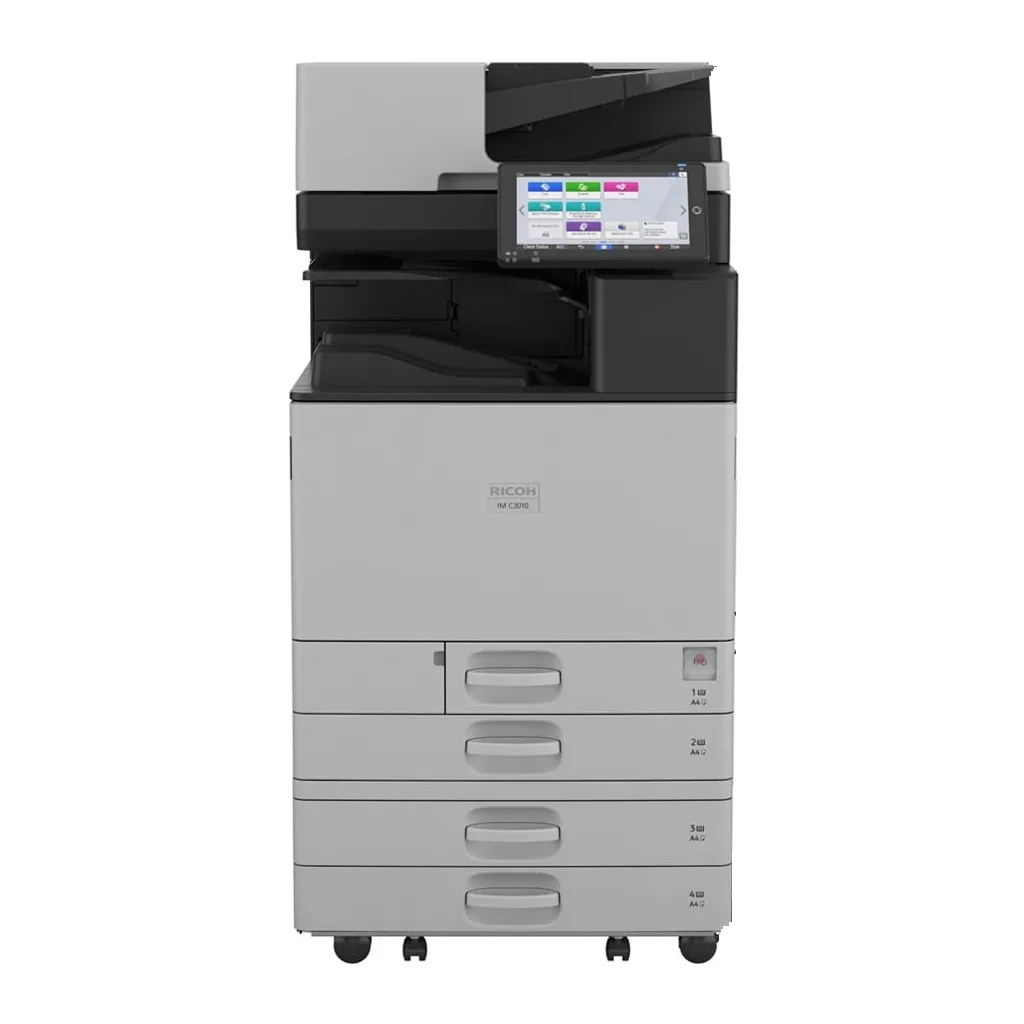

Step down
IM C3010
30 pages a minute instead of 35
- Colour speed
- 30 pages a minute
- Monthly maximum
- Maximum 20,000 pages a month
Services
All servicesIM C series · 04/08
Shown: IM C3010, the same body as the IM C3510
The faster sibling of the IM C3010: the same A3 colour body and duplex document feeder, rated for the same monthly pages.
Your quote covers price, availability, equipment condition, installation, warranty and support.
Datasheet
Key specifications for this model. We can help you choose a configuration for your workload.
Monthly groups use Ricoh's published maximum volumes. Tell us your usual workload so we can recommend a suitable model.
Shown: IM C3010, the same body as the IM C3510.
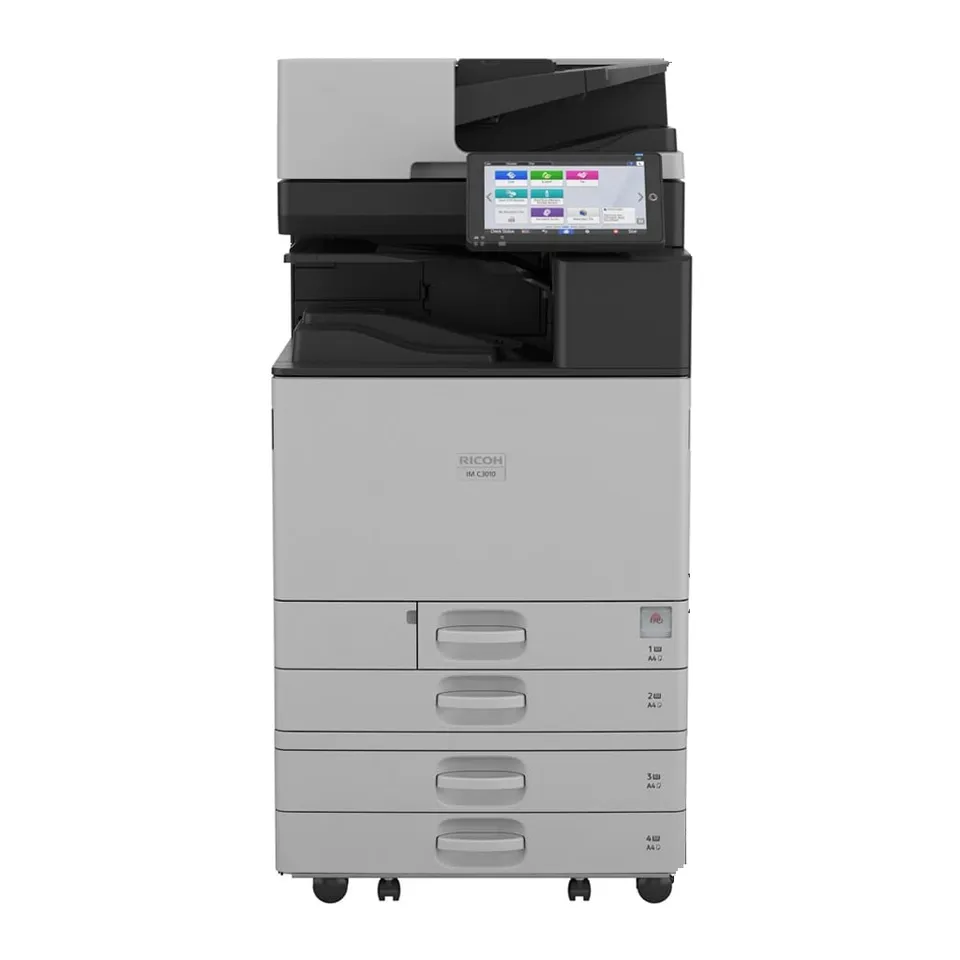
Document feeder
A 220-sheet SPDF on top, scanning at up to 150 images a minute straight to email or a shared folder.
Document and IT solutionsTouch panel
The touch panel is where scan-to-email, secure print and user codes are set up. We set it up when we install.
Model name
The model name is on the front or the panel. If you need toner or a repair later, a photo of it is enough for us.
Front door and toner
Four cartridges: black, cyan, magenta, yellow. Each model takes its own set. Find yours in two taps.
Toner for the IM C3510Paper trays
1,200 sheets as standard, 4,850 sheets with extra trays. Most jams happen at the tray pickup, inside the front door, or at the exit.
Book a repairEverything for this machine
Ricoh’s datasheet yield: about 40,000 pages a black cartridge and 28,000 a colour one, at five percent cover on A4.
These references are from Ricoh USA. Cartridge references can vary by region, so we check the match for your machine when you order.
Tell us what is wrong, any code on the screen and where the machine is.
Request a repair for this machineLeasing spreads the cost and can include service; buying costs more up front and you own the machine.
Lease or buy: what changesStep down
30 pages a minute instead of 35

Step up
45 pages a minute instead of 35